
14 inch · Gen 2 to Gen 7 · Updated May 2026
Which ThinkPad T14 should you buy?
The short answer: a used T14 Gen 5, then add your own RAM. It is the value sweet spot of the whole line.
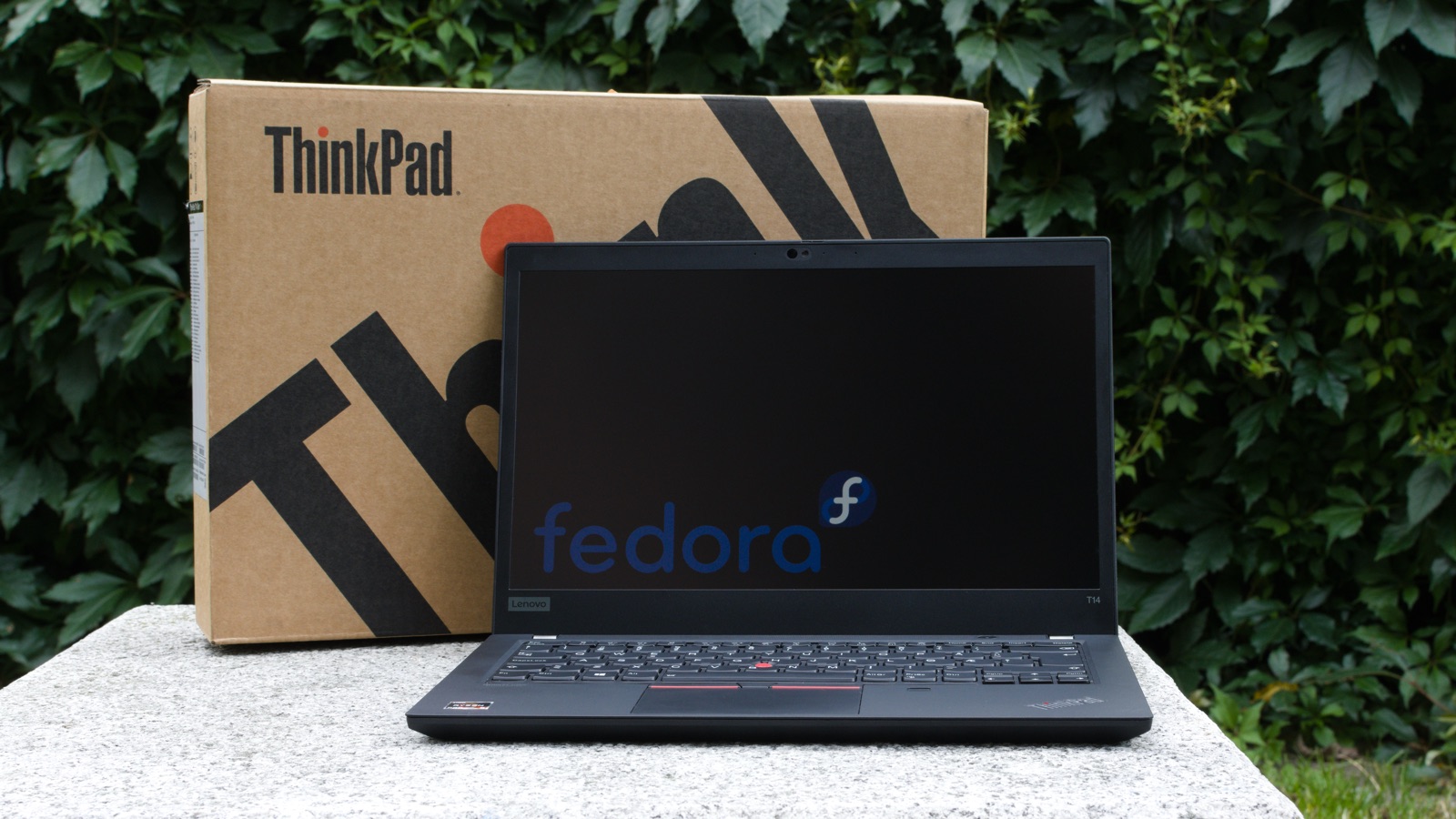
The short answer: a used T14 Gen 5, then add your own RAM. It is the value sweet spot of the whole line.
If you only read one section, read this. Three picks cover almost everyone.
The first T14 in years with two open SODIMM slots on both chips. Buy it bare and fit your own 64GB of DDR5. Modern ports, falling prices.
Check used pricesAMD keeps memory user replaceable: dual SODIMM, 64GB plus, strong battery, an NPU and WiFi 7. The safe current gen choice.
Check new pricesMemory soldered on board and capped at 32GB for good. A trap if you miss the CPU suffix. Here is how to spot it
Most buyers overthink this. It is really just four questions, in order.
Used wins for almost everyone. A Gen 5 that is a year or two old is nearly identical to new for about half the price.
Default to AMD for battery life and the RAM slots. Pick Intel only for Thunderbolt or a vPro fleet.
A chip ending in V means soldered RAM, capped at 32GB. A U keeps the slots. One letter decides upgradability.
Get the minimum config and drop in your own DDR5. Far cheaper than Lenovo’s upgrade pricing.
One question at a time. Your exact recommendation appears at the end.
This decides more than any spec. The T14 is the textbook “buy last year’s model used” laptop.
Sweet spot: a used Gen 5 (2024) with minimum RAM, then your own DDR5. You get the modern chassis and full upgradability for the least money. Buy new only for the newest AMD chip plus a warranty. That means Gen 6 or 7 AMD, never the Intel “V” series.
On recent T14 models it comes down to efficiency and upgradability versus one specific Intel trap.
 Default pick
  Situational
 swipe for the full table
| AMD · Ryzen AI | Intel · Core Ultra | |
|---|---|---|
| Battery | Excellent | Excellent (Lunar “V” leads) |
| RAM | 2× SODIMM · up to 64GB | “U” to 64GB · “V” soldered 32GB |
| External I/O | USB4 (40Gbps) | Thunderbolt 4 |
| Graphics | Radeon 800M | Arc (strong on Lunar Lake) |
| Best for | Battery · upgrades · value | Docks · Thunderbolt · vPro fleets |
Default to AMD for battery and upgradability, unless you need Thunderbolt or live in an Intel vPro fleet. If you go Intel new, confirm a “U” series (Arrow Lake) chip, never a “V”.
RAM upgradability is the T14’s whole story right now, and the single thing buyers get burned on.
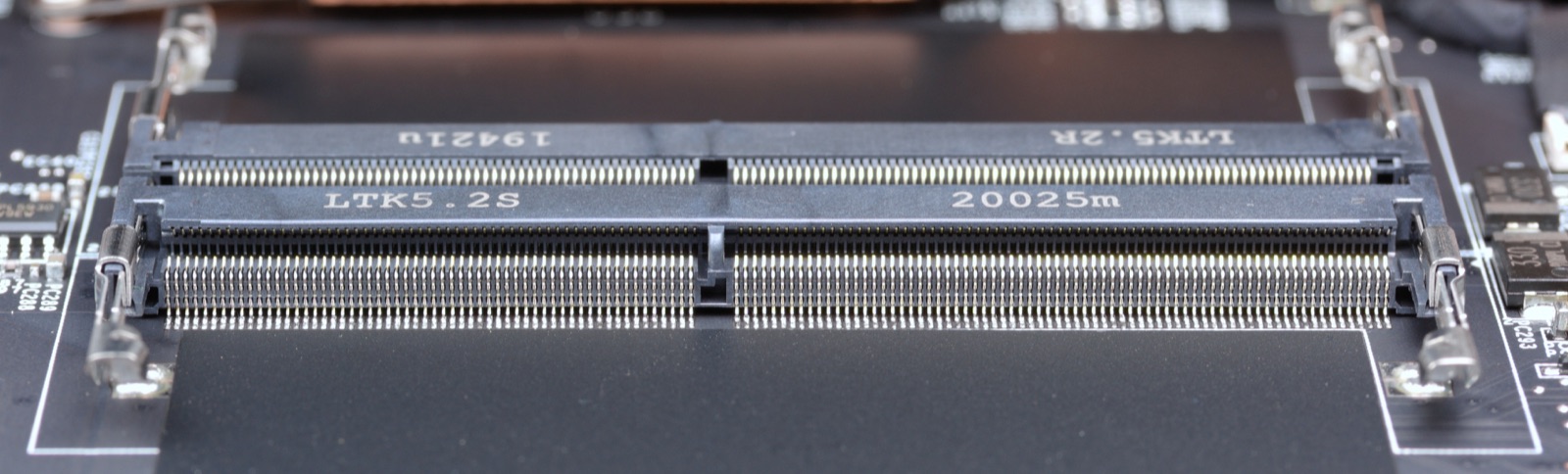
AMD went fully soldered at Gen 3 and 4, while Intel kept one SODIMM slot. Gen 5 brought two SODIMM slots to both, the big win. Gen 6 split again: Intel’s Lunar Lake “V” solders the RAM, while Arrow Lake “U” and AMD keep the slots. Gen 7 Intel moves to one LPCAMM2 module (removable and low power); AMD stays on two SODIMM slots.
Translation: on most T14 models you buy the cheapest RAM config and add your own later. The exceptions are AMD Gen 3 and 4 and the Gen 6 Intel “V”, which are fully soldered. The thin T14s is a different model and solders its RAM on every generation. Earlier gens (1 and 2, and Intel 3 and 4) gave you one open slot.
swipe for the full table
| Chip / suffix | Memory type | Max | Upgradable? |
|---|---|---|---|
| Intel “V” · Lunar Lake e.g. Core Ultra 7 258V | Soldered on package | 32GB | No, avoid |
| Intel “U” · Arrow Lake e.g. Core Ultra 5 225U | 2× SODIMM | 64GB | Yes |
| AMD · Ryzen AI 300/400 Gen 6 / Gen 7 | 2× SODIMM | 64GB+ | Yes |
| Gen 7 Intel · Panther Lake 2026 | LPCAMM2 (removable) | 64GB | Yes |
| AMD · Gen 4 Ryzen 7040 | Soldered | 32GB | No, avoid |
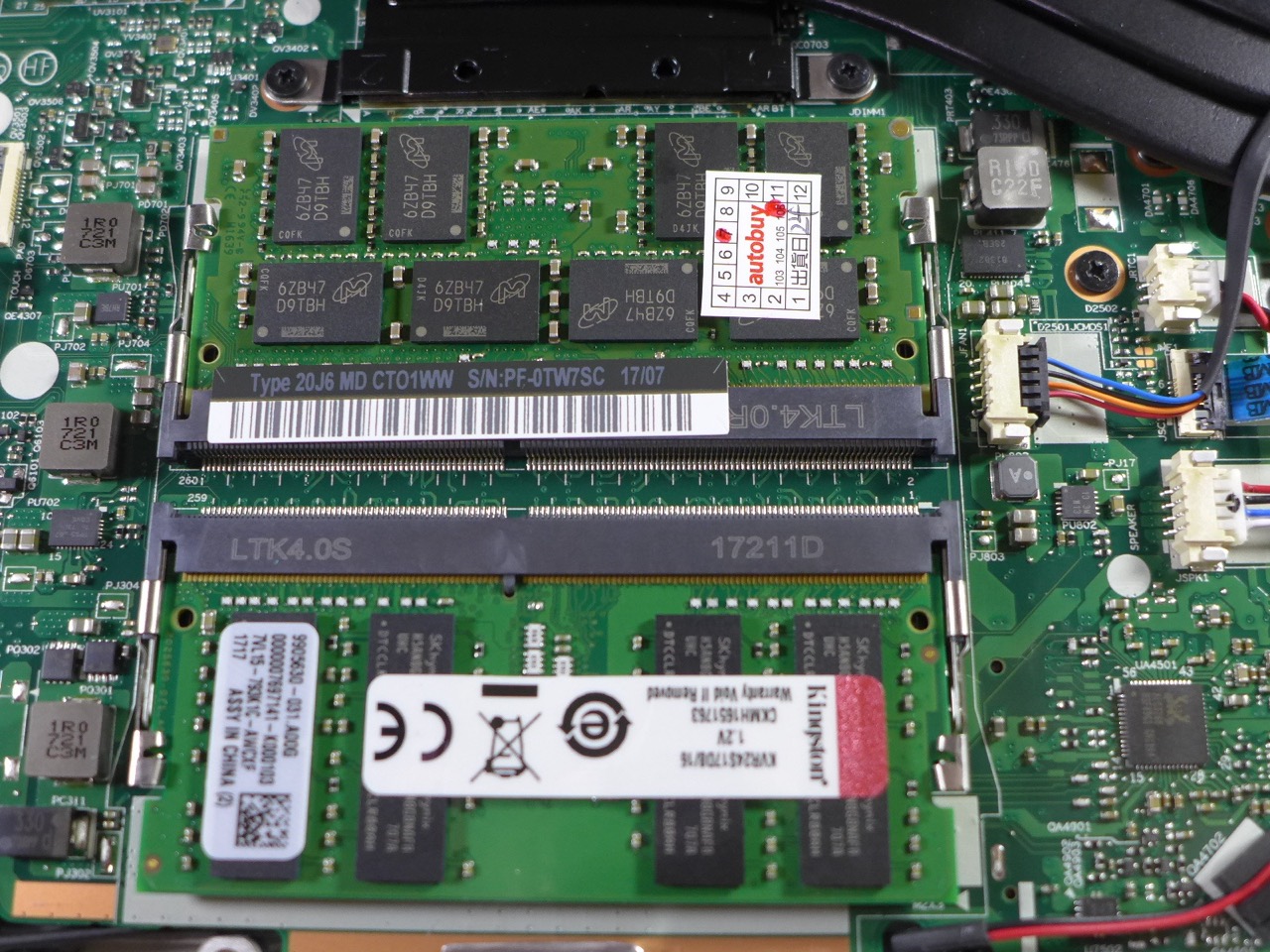
Most T14 models let you add RAM. The exceptions are Gen 4 AMD and the Intel “V” series (Lunar Lake) on Gen 6. Both solder the memory and cap it at 32GB for good. Before you buy, read the processor suffix. A chip ending in V (for example Core Ultra 7 258V) is soldered. A U (for example 225U) keeps the SODIMM slots. That one letter is the whole story.
Where to spend your attention and money, and where buyers waste it.
Spend here
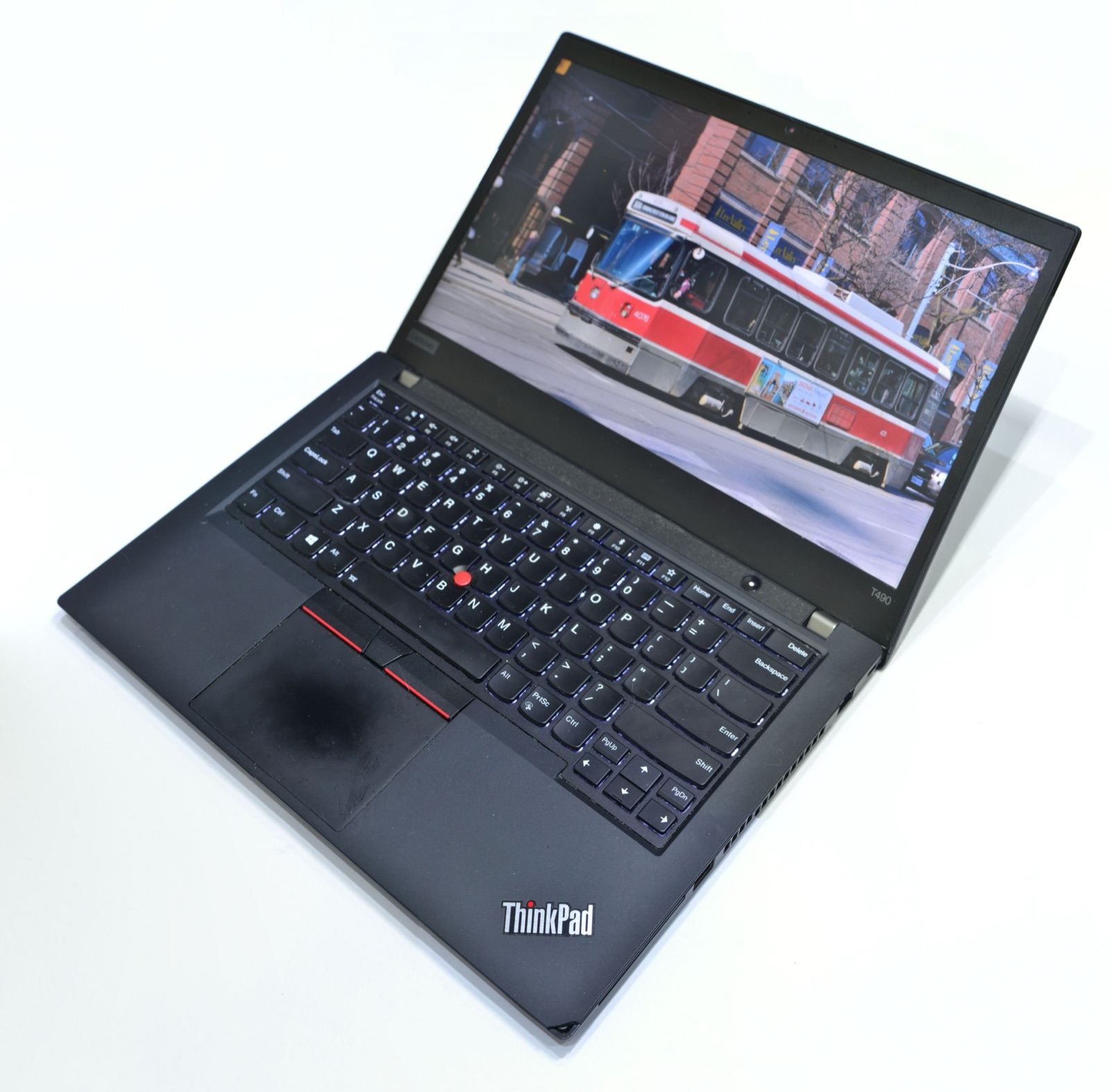
The biggest day to day difference. The dim base, the bright low power WUXGA and the 2.8K OLED are worlds apart. Always check the exact panel.
16GB for office, 32GB or more for dev. On socketed gens, buy the minimum and add your own. Far cheaper than Lenovo’s pricing.
AMD plus 57Wh plus the low power panel gets you all day. This matters more than raw CPU tier for most people.
RJ45, USB A and HDMI are all present, a real reason to pick the T14. Confirm Thunderbolt vs USB4 if you dock.
Don’t overthink
For office and browsing, every T14 from Gen 3 on is fast enough. A newer chip won’t make Outlook feel different.
None of these are gaming machines. If you need a real GPU you want the P series. Ignore the iGPU branding.
Not because it doesn’t matter, but because it’s great on every generation. A constant, not a variable.
Generational deltas are small. A used prior gen is almost always the smarter spend than the newest at full price.
Every generation, side by side. Use it to verify any claim above.
swipe for the full table
| Gen / Year | CPU family | RAM | Storage | Upgradability |
|---|---|---|---|---|
| Gen 7 2026 | Intel Panther Lake AMD Ryzen AI 400 | Intel: LPCAMM2 (64GB) AMD: 2× SODIMM (64GB) | 1× M.2 2280 up to PCIe 5.0 | Excellent |
| Gen 6 2025 | Intel Arrow / Lunar Lake AMD Ryzen AI 300 | Arrow “U” + AMD: 2× SODIMM (64GB) Lunar “V”: soldered (32GB) | 1× M.2 2280 PCIe 4.0/5.0 | Good* |
| Gen 5 2024 | Intel Meteor Lake AMD Ryzen 8040 | 2× SODIMM DDR5 5600 (64GB) | 1× M.2 2280 PCIe 4.0 | Excellent |
| Gen 4 2023 | Intel Raptor Lake AMD Ryzen 7040 | Intel: 1 soldered + 1 SODIMM (about 40GB) AMD: soldered (32GB) | 1× M.2 2280 PCIe 4.0 | Limited |
| Gen 3 2022 | Intel Alder Lake AMD Ryzen 6000 | Intel: 1 soldered + 1 SODIMM (48GB) AMD: soldered (about 32GB) | 1× M.2 2280 PCIe 4.0 | Mixed |
| Gen 2 2021 | Intel Tiger Lake AMD Ryzen 5000 | 1 soldered + 1 SODIMM (48GB) | 1× M.2 2280 PCIe 3.0 | Mixed |
The recurring r/thinkpad and search questions, answered straight.